
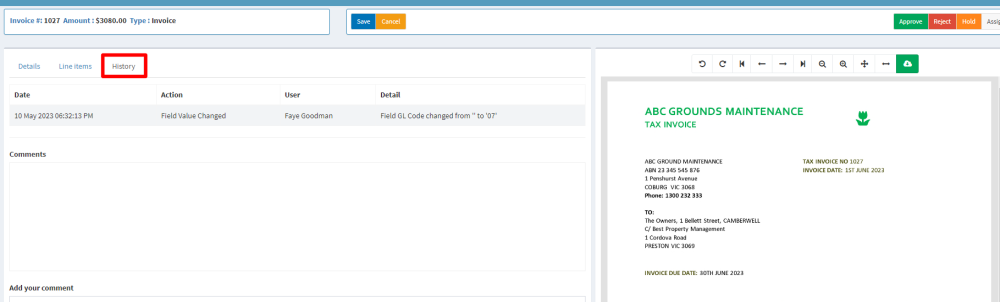
The history tab shows all actions taken on this invoice.
History shows:
- Date – the date and time an action was taken
- Action – the summary of what action was taken. For example, an instalment was added, a field value was changed
- User – the name of the user who performed the change or took action on the invoice
- Detail – the action taken is described (e.g. amount changed from 12.70 to 13.00)
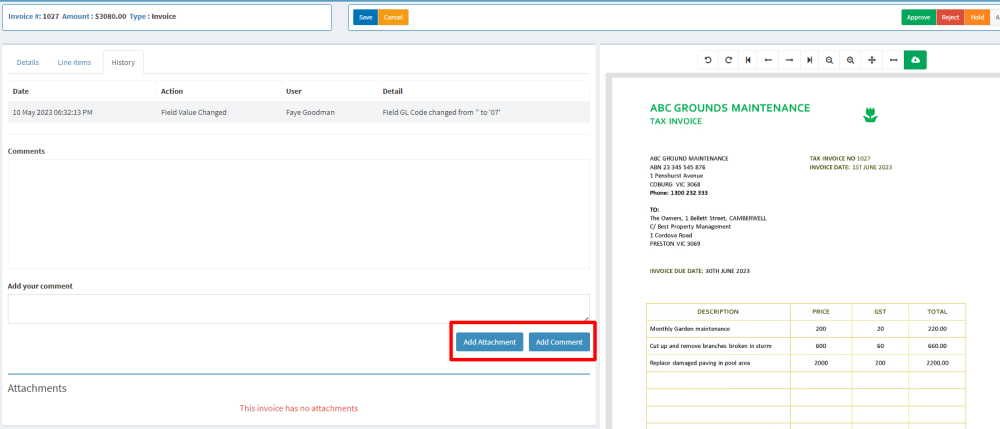
You can also add comments and attachments here which are saved with the invoice.
Related articles:
Comments
0 comments
Article is closed for comments.