
To replace the approvers for a single rule or multiple rules:
Step 1 - Select the desired Rule(s)
Step 2 - Select Replace Approvers 
Step 3 - Go to the Replace box
Step 4 - Search for the Approver to be replaced.
Step 5 - Search for the Approver in the With box
Step 6 - Select Replace at the bottom right of the popup box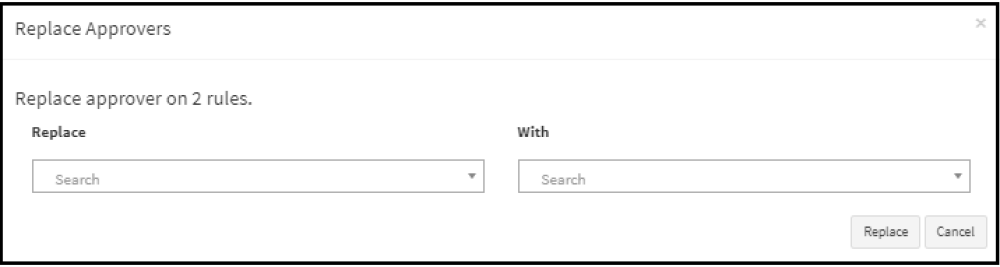
Comments
0 comments
Article is closed for comments.