
- Go to aim.reignstorm.io
- Log on to AIM using the email and password AIM has sent you. This is a standard Microsoft sign in screen. You may already have a Microsoft account. If you do, please note that you will need to use your new AIM account here, which is a ‘work’ account.
When you click on the link contained in your confirmation email, you will see a screen like this:
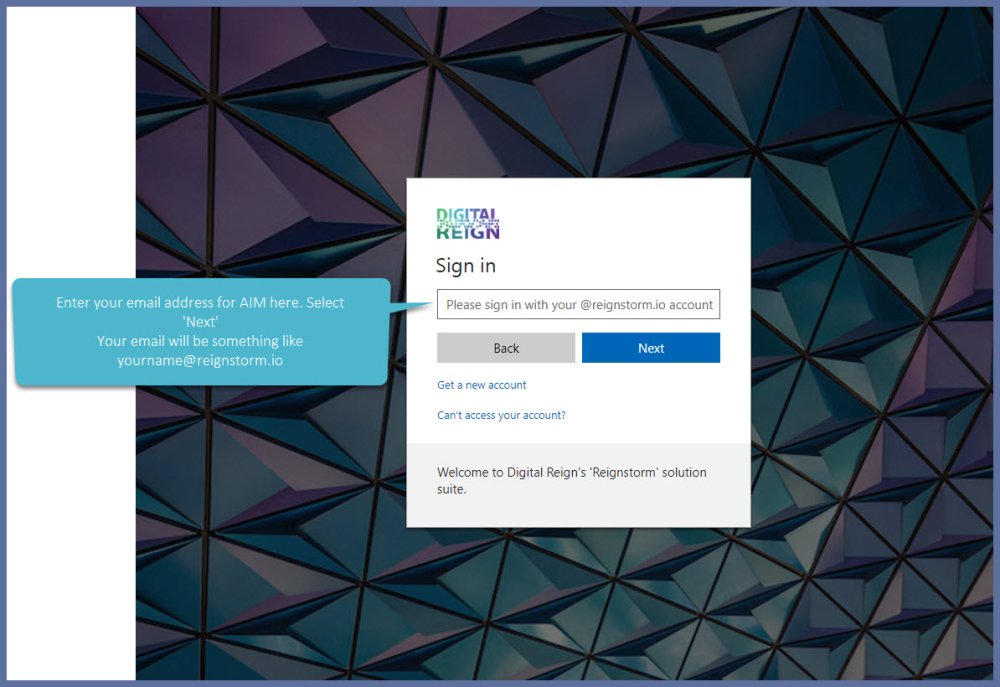
- When you select next, you will immediately be prompted to change your password. Make sure you choose a complex password so no one else can access your information.
- The password you choose will need to have at least 8 characters, contain a mix of letters, symbols and numbers and upper and lower case characters.
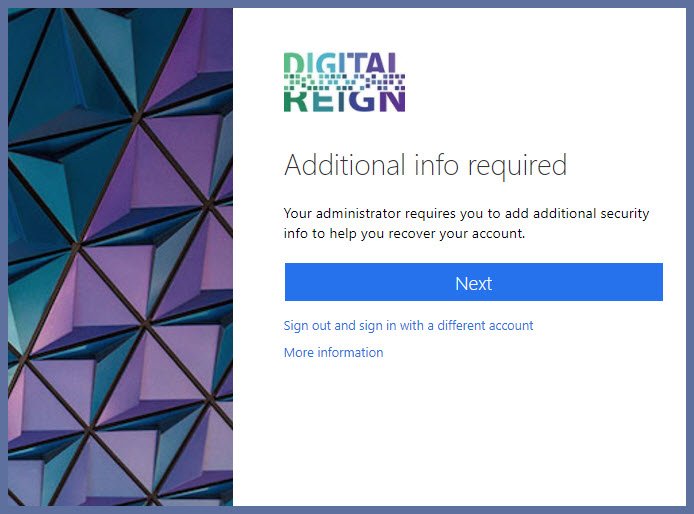
.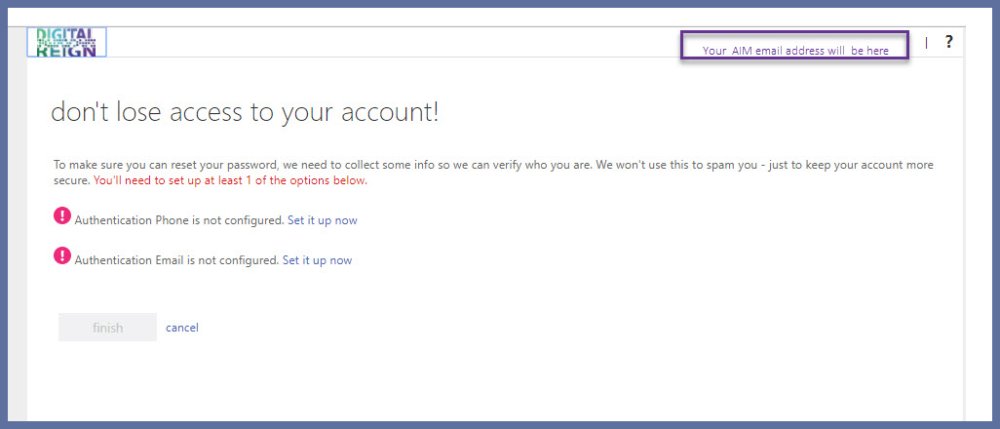
When you have completed the verification process, the AIM portal will open.
Watch this video to see all the steps.
Related articles:
Comments
0 comments
Article is closed for comments.