
Administrators can add, update and delete users.
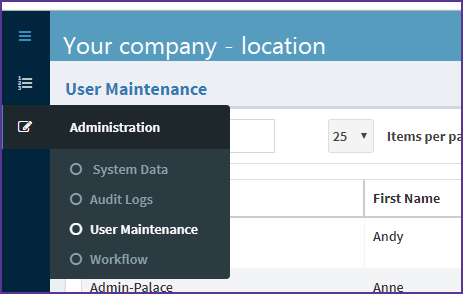
Go to the Administration section and choose User Maintenance. The administration section is on the top left of the screen.
Choose Create User
Select Create User at the bottom of the user maintenance screen.
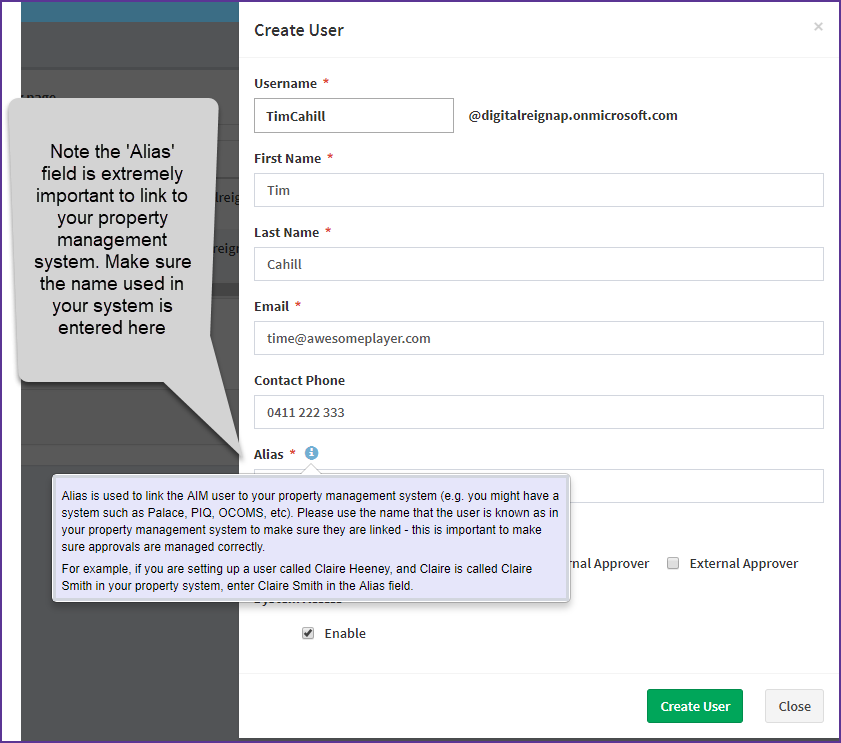
This opens a new user card
Enter the user's details
Create User
Confirm the creation of the new user when prompted.
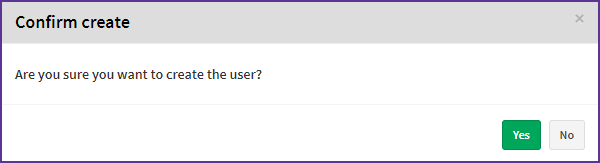
Yes to create the new user.
How to customise the user maintenance screen
Comments
0 comments
Article is closed for comments.