
From Administration, select User Maintenance. The Administration section is reached from the top left of the screen:
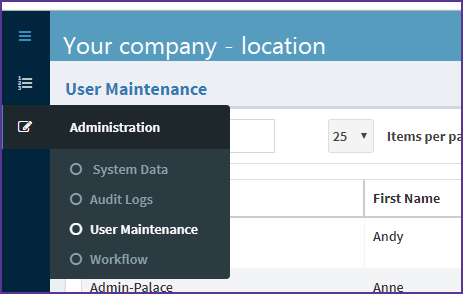
Step 1 - Locate the user that you want to edit – you can use the search to look for a user
Step 2 - Once you have found the user that you wish to edit, select that user and choose the ‘Modify’ option from the Command column
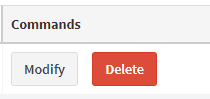
You can edit all fields except for the username.
Editing the user informatio
Step 1 - Click on the field you want to change
Step 2 - Enter the new information
Step 3 - Update user
Step 4 - Select Yes to continue.
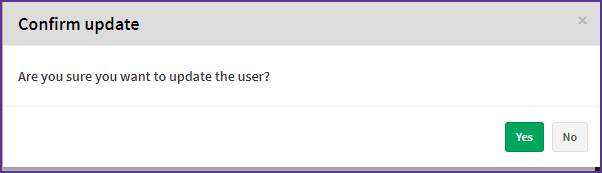
You'll see a confirmation message.

Related articles:
Comments
0 comments
Article is closed for comments.