
From the Administration section, choose User Maintenance. The Administration section is on the top left of the screen:
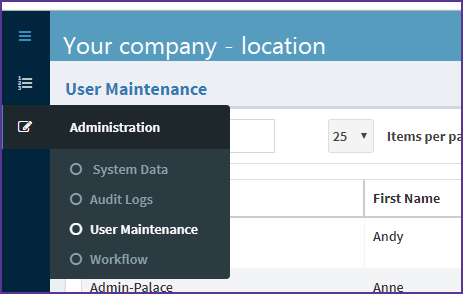
Step 1 - Locate the user to delete – you can use the search function to find them
Step 2 - Select the user and select Delete from the Command column.
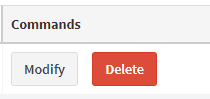
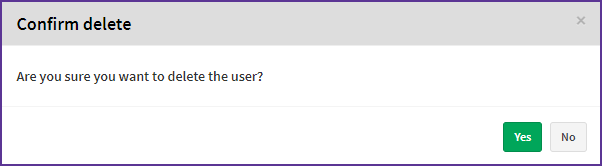
Step 3 - You'll be prompted to confirm the deletion
Deleting a user with allocated invoices
If you try to delete a user with allocated invoices, you'll see this warning message:

You need to reassign these invoices before you can continue with user deletion.
Related articles:
Comments
0 comments
Article is closed for comments.