
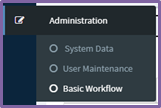
To get started, select Basic Workflow from the Administration menu.
Step 1 - Select the client Segment (residential, commercial or strata) and click Add New under the GL Group.
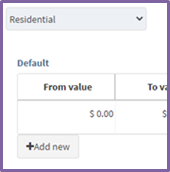
Step 2 - edit the To value.
Step 3 - Select the approver roles required for the workflow
Step 4 - Save.
This rule will affect all invoices that match the client Segment, GL group, and value range. The only exception is when the invoice matches a work order and you have set a work order threshold. In that scenario it will go straight to download.

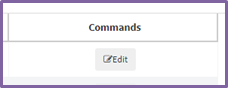
To delete the rule, Delete in the Commands field.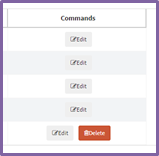
Comments
0 comments
Article is closed for comments.